Throughout my years working alongside marketers, I’ve seen countless discussions about tracking funnels, measuring lead quality, and understanding user behavior. But when it comes to WhatsApp groups—especially those driving digital launches—tracking often seems like a mystery. Today, I want to share how integrating Pixel and Google Analytics with WhatsApp groups is not only possible but can transform your campaign strategies. And yes, tools like Grupos Inteligentes make all the difference for professionals facing the challenge of handling multiple group entries manually. Let’s discover how this process works in practice, step by step.
Why tracking WhatsApp group activity matters
I still remember the first day a client asked me, “How many leads actually join our WhatsApp group and do anything?” Back then, without any system in place, it was anyone's guess. Now, with the right setup, I can confidently answer and even optimize campaigns based on that data.
Being able to track who clicks, joins, and engages gives you the power to refine your approach over time. Without tracking, you’re essentially launching blind campaigns and hoping for the best. Integrating analytics bridges the gap between your marketing efforts and real results, making each move a data-driven one.
Track smarter, not harder.
What is Pixel and Google Analytics in this context?
Most people associate Facebook Pixel and Google Analytics with websites. But these tools offer a lot more than that. Pixel lets you track conversions and retarget users who took specific actions, like clicking a group invite link. Google Analytics, on the other hand, shows how people move through your sales funnel, from ad click to WhatsApp opt-in.
Because WhatsApp is a closed environment, you won’t be tracking activity inside the chat. But you can absolutely track:
- How many leads click your invite link
- Which campaign sources deliver more group entries
- What actions people take after entering a funnel
How does the integration process work?
For most digital businesses, the biggest hurdle is this: You can’t put a Pixel or Analytics tag inside WhatsApp itself. Instead, you install tracking on landing pages and redirection steps just before the group entry. Let me break down the general approach I use:
- Create an entry page. Use a page with your Pixel and/or Google Analytics script, explaining your group offer and inviting people to join via the group link.
- Add tracking events. These scripts can fire events once a user clicks “Join on WhatsApp” or interacts with any key button.
- Redirect participants to WhatsApp. Once tracked, users are then sent through a “smart link” or a redirect, which can handle group overflow and link expiration.
That’s where platforms like Grupos Inteligentes shine—they not only distribute leads to open groups but also allow tracking code to be added on these intermediate pages, making data collection automatic and reliable.
The role of smart links and automation
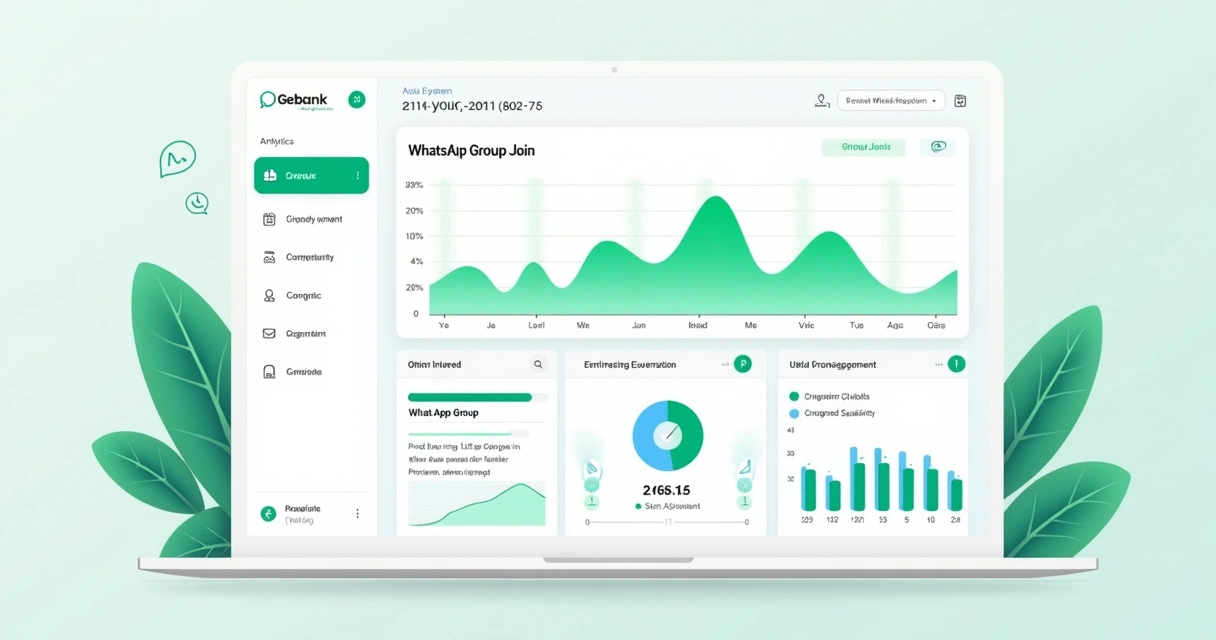
One of the pain points I've faced is distributing leads as groups fill up. A static invite link quickly becomes useless if the group is full. Smart linking—redirecting each new participant to the next available group—solves this and also allows your Pixel or Analytics event to fire every time a new lead enters the funnel.
Platforms like Grupos Inteligentes offer this by letting me create a single, dynamic link managed in real time. This means:
- No more lost leads due to outdated/expired WhatsApp links
- Consistent tracking for every group entry
- Simplified reporting on which ad channels or campaigns bring the most signups
I recommend reading more about these strategies in this dedicated WhatsApp groups discussion.
Why detailed analytics drive better results
From my experience, having detailed conversion data from every step empowers you to “trim the fat” on campaigns. If you see that many clicks never reach the group, it’s time to adjust your landing page, offer, or even your ad copy. Analytics give you a feedback loop, closing the gap between campaigns and real business growth.

If you want to discover even more advanced workflows for lead handling in launches, explore these articles on lead management. I often reference these when planning new campaigns.
Step-by-step: Setting up Pixel and Analytics with Grupos Inteligentes
Let’s go through the broad steps I personally use when integrating marketing analytics and WhatsApp groups on Grupos Inteligentes:
- Install scripts on your landing/bridge pages. Use Google Tag Manager or hard-coded Pixel/Analytics scripts before redirecting users to WhatsApp. This includes both Meta Pixel and Google Analytics tags.
- Configure conversion events. Set up specific events for “Group Join Click” or similar actions. This gives you granular data for reporting and ad optimization.
- Set up your Grupos Inteligentes smart link. This dynamic link delivers new users to the next available group, preventing overflow or lost leads, and can trigger an extra pageview or event for deeper tracking.
- Link analytics goals to ad campaigns. Now your ad accounts and analytics tools can see completed joins as conversions, closing the loop for better campaign refinement.
Throughout this workflow, Grupos Inteligentes supports integration natively, making it much easier than trying to stitch workflows together yourself. For those interested in automating every piece, there’s also a valuable resource on marketing automation that pairs well with these steps.
Use cases that benefit most from integration
Based on my experience and feedback from colleagues, these scenarios see the biggest impact:
- Large launch campaigns where multiple WhatsApp groups are needed,
- Agencies managing several clients’ funnels at once,
- Companies running Facebook or Google Ads with direct group integration,
- Teams needing clear data about what channels bring the best participants.
When you have all this data, it is much easier to scale confidently, avoiding chaos and manual errors.
Advanced insights and custom reporting
Once your analytics and Pixel are connected, a new world of insights opens up. I’m able to see, for example, not just who clicked an ad, but who actually joined a group and how they interacted after joining (at least at the initial digital touchpoint).
Custom dashboards, especially when using Google Analytics, allow you to break down data by:
- Traffic source (Facebook, Instagram, Google, Email, etc.)
- Campaign or ad name
- Time of day and device type
- Funnel drop-off points
This enables data-driven decisions, instead of running campaigns by feel. For even deeper analytics ideas, I often find inspiration in the analytics category on my favorite blog resources.
For a practical demonstration of tracking and analytics in WhatsApp campaigns, including actual setups, you might enjoy this detailed example post.
Conclusion: Take your WhatsApp launches to the next level
In summary, integrating Pixel and Google Analytics with WhatsApp groups gives real numbers, real feedback, and drives smarter campaigns—especially when powered by a solution like Grupos Inteligentes. Manual processes slow you down, and outdated links leave leads behind. When data guides your steps, you don’t just launch, you learn and earn.
If you want to see reliable, trackable results in your WhatsApp campaigns, I invite you to discover everything Grupos Inteligentes can do for your operation. Don’t just settle for manual work—put your launches in the hands of smart automation and data-powered decision making.
Frequently asked questions
What is Pixel and how does it work?
Pixel is a small piece of code that you place on your website or landing page to track user actions, like page visits or button clicks. In the context of WhatsApp group campaigns, it helps you see who clicked to join, so you can measure conversions and retarget those users in future ads.
How to connect Google Analytics to WhatsApp groups?
You set up Google Analytics on the page just before users tap your WhatsApp invite link. Events are triggered on buttons like “Join on WhatsApp.” While you can’t track inside WhatsApp, you capture every user who clicks the invite, allowing for reporting and optimization.
Is it worth linking WhatsApp with analytics?
Absolutely—it changes the way you run campaigns and make decisions. With analytics connected, you don’t have to rely on guesses. You can follow leads from click to group entry and see which campaigns perform best.
What data can I track from WhatsApp groups?
You can track every action up to the group entry: page impressions, button clicks, conversion rates, source campaigns, and even the drop-off points. Direct in-group activity like chat behavior is not tracked, but lead quality and movement up to the join are clear.
How do I install Pixel for WhatsApp groups?
Place your Pixel code on the bridge page or landing page that users see before joining the WhatsApp group. Set up an event for the join button. For automated group distribution and tracking, use platforms like Grupos Inteligentes that support dynamic smart links and code injection on the redirect step.