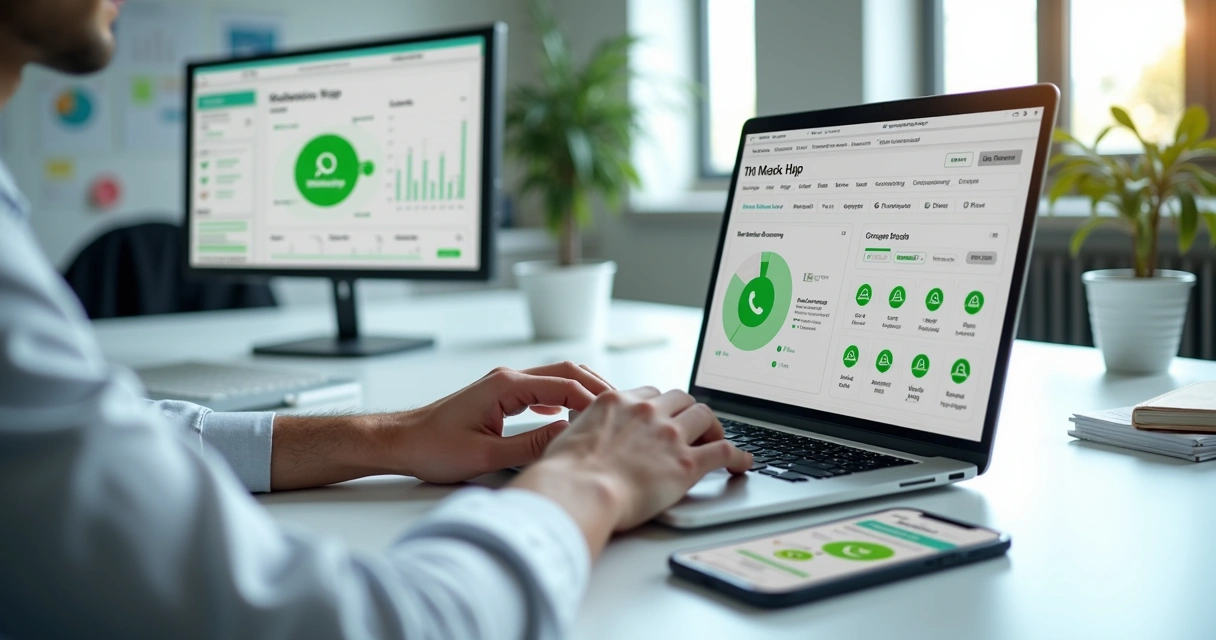
Over the years, working with WhatsApp marketing campaigns has taught me how powerful group-based launches can be. If you’re managing multiple groups and large volumes of leads, like I often do, understanding the key performance indicators (KPIs) is more than just a matter of numbers. It's about unlocking actionable insights. Reporting tools, especially those like the ones from Grupos Inteligentes, are changing the game. I want to share how I break down KPIs in WhatsApp campaigns for smarter decisions and continuous improvement.
Understanding the role of KPIs in WhatsApp campaigns
I’m often asked, why focus so much on KPIs in WhatsApp campaigns? The answer is simple: Without clear indicators, you’re navigating in the dark, hoping for the best but never really knowing what works. Good KPIs are like beacons. They help you see where your campaign is strong and where it might be leaking potential.
For those who manage launches, especially at scale, some questions always pop up: Are people actually joining your groups? When they join, do they stay? Are they actively engaging? Do those leads turn into customers? These are the types of things KPIs can tell you, but only if you read them right.
The foundations: What are the main WhatsApp KPIs?
From my experience, some KPIs are more telling than others when it comes to WhatsApp-based launches. Let’s run through the foundations before we get into interpretation:
- Group join rate: How many invited leads actually join your WhatsApp groups.
- Participation rate: The percentage of group members who have posted at least once.
- Click-through rate (CTR): Out of all messages sent, how many clicks do your links get?
- Lead conversion rate: The ratio of group participants who move to the next funnel stage or make a purchase.
- Drop-off/exit rate: How many users leave before your campaign ends?
- Message open/read rate: Who actually reads your key campaign messages?
- Response time: The average time between sending a message and getting the first reply.
Of course, which KPIs matter most depends on your campaign type and goals. But having this baseline helps keep your strategy grounded.
How I interpret WhatsApp campaign reports
I remember one campaign where group after group was getting filled within minutes. It felt like a win. But the analytics told a different story: lots of joins, very few messages, low CTR. Something was off. When looking at reports, I now use a simple method to make sense of the numbers.
- Start with group join and capacity metrics. If your join rate is low, double-check your invitation process and the appeal of your entry point. A high drop-off during joining often signals technical blockers or bad timing.
- Next, scan participation and engagement. Active groups signal healthy interest. If most people are silent, your content or group dynamic might need a shake-up.
- Drill into message-level metrics. High read rates with low CTR? Your call to action might be weak. Good response time paired with sharp declines in follow-up activity? You might be overwhelming people or losing them with too much information.
- Monitor your funnel progression with conversion rates. If participants aren’t moving along the funnel, it might be time to audit your offer or follow-up flow. Sometimes, it’s just about tweaking timing or messaging style.
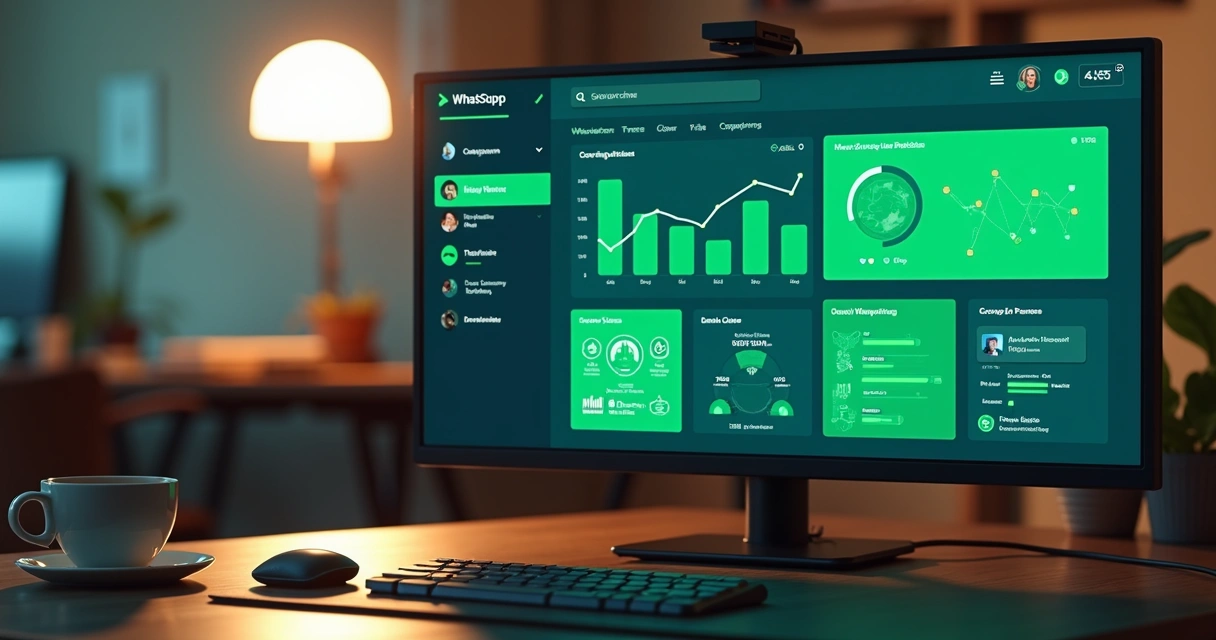
Good reporting is about asking “why” rather than just “how much”.
What to do when KPIs don’t meet targets?
Whenever a WhatsApp campaign underperforms, my first step is detective work. For example, if my participation rate dips suddenly, I review the conversation flow. Was there a sudden change in messaging style or offer?
- If drop-offs spike after a particular message, I know exactly where to look.
- If the conversion rate flatlines, I compare timing, group size, and message frequency.
- If read rates fall in one group but not others, I check for issues with links or message formatting.
Sometimes the answers are in the little details. Last year, simply updating a confusing group name increased my join rate overnight. Simple fixes can have real impact.
Unlocking the value of detailed WhatsApp reporting
The debug process gets much easier with platforms built for WhatsApp group marketers, like Grupos Inteligentes. Real-time dashboards, funnel visualizations, and customizable distribution of leads mean less guessing, less manual work, and more actionable insights. You can spot full groups, misdirected links, or inactive cohorts at a glance. I think this is especially useful during high-stress launches with many moving pieces.
Another thing I noticed: integrations with Pixel and Google Analytics give an edge. Tracking cross-channel behavior, from your ads or site all the way to WhatsApp and then to checkout, rounds out your understanding. This kind of linked view isn’t just satisfying—it’s a safety net against wasted budget.
Finding trends, not just snapshots
Reports aren’t just for post-campaign reflection. In my work, I look for:
- Time-based patterns: What days or hours spark the most activity?
- Progress indicators: How do indicators shift after a specific message or event?
- Segment insights: Do different lead sources perform differently once grouped?
Following trends, rather than isolated numbers, is where your strategy matures. I like reading content from data analytics experts to stay sharp on this topic, and I often adjust my approach according to those insights.
How reporting keeps campaigns scalable
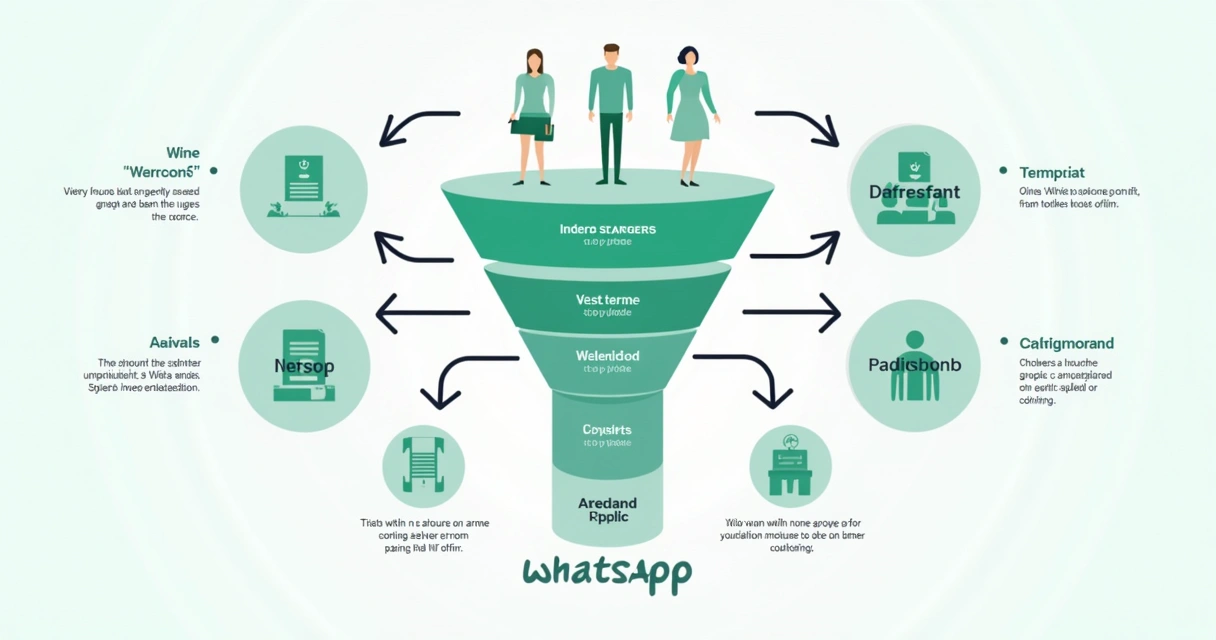
Scalability means more than bigger numbers—it’s keeping quality as you grow. If you’re using tools like those from Grupos Inteligentes, you already have reporting and automation features that remove bottlenecks, avoid lost leads due to full groups, and keep analytics clear even as you juggle dozens of cohorts. I noticed a real difference when my launch dashboards started offering real-time updates and segmenting capabilities. Managing hundreds or thousands of participants no longer feels like chaos.
For those looking to streamline even further, you might want to read about marketing automation for WhatsApp campaigns. Automating the link distribution and sign-up process, for instance, lets you focus on refining content and analyzing performance, not putting out operational fires.
Bringing it all together: Turning WhatsApp KPIs into decisions
At the end of the day, a good WhatsApp campaign report should answer three questions: What worked, what didn’t, and what’s the recommended next step? With these answers, I’ve been able to iterate quickly, improve results, and feel confident in my strategies—even under pressure.
If you’re eager to dig deeper and master WhatsApp group campaigns, I recommend browsing the WhatsApp groups knowledge base or studying specialized lead management insights. And for practical, step-by-step examples, I often point newcomers to detailed case studies like this campaign walk-through. The more you learn, the faster you’ll turn raw metrics into real results.
Conclusion
Interpreting KPIs from WhatsApp campaign reports is more than tracking progress; it’s turning data into action. By focusing on the right indicators, questioning results, and using advanced platforms like Grupos Inteligentes, I’ve seen campaigns move from hit-or-miss to precise and steady. If you want to stay ahead in WhatsApp group launches, now is the moment to test these reporting and automation tools and make your next launch smarter and easier. Start by checking out what Grupos Inteligentes has to offer for data-driven decisions and scalable growth.
Frequently asked questions about WhatsApp campaign KPIs
What is a WhatsApp campaign KPI?
A WhatsApp campaign KPI is a measurable value that helps track the performance of your marketing activities within WhatsApp groups. Common examples include join rates, participation rates, message open rates, and conversion rates. Each KPI offers insight into how effectively your campaign engages and converts your audience.
How to read WhatsApp campaign reports?
To read WhatsApp campaign reports, start by identifying key sections such as group growth, engagement, and conversions. Break down each section: look at trends over time, compare group performance, and spot outliers. Good platforms like Grupos Inteligentes present these metrics with clear visuals and funnel breakdowns, making it faster to answer “what’s working?” and “what needs attention?”
Which KPIs matter most for WhatsApp?
The most significant KPIs for WhatsApp campaigns are group join rate, participation rate, message open/read rate, click-through rate, and conversion rate. These cover the essential touchpoints from lead entry to action. However, the top priorities can change based on campaign goals and specific challenges you face.
How can I improve my WhatsApp KPIs?
I suggest reviewing your messaging strategy, group structure, and invite process. Test different types of content, optimize timing, and make sure your calls to action are clear. Use advanced analytics and automation tools, like those in Grupos Inteligentes, to identify friction points quickly and fix them. Small adjustments—like changing message format or group naming—can have a big impact.
Where to find WhatsApp campaign reports?
You can access detailed WhatsApp campaign reports directly in platforms built for group management, like Grupos Inteligentes. These tools often provide real-time dashboards, exportable analytics, and historical data. If you’re just starting, look for providers specializing in WhatsApp campaign automation so that you have easy access to all relevant reports in one place.